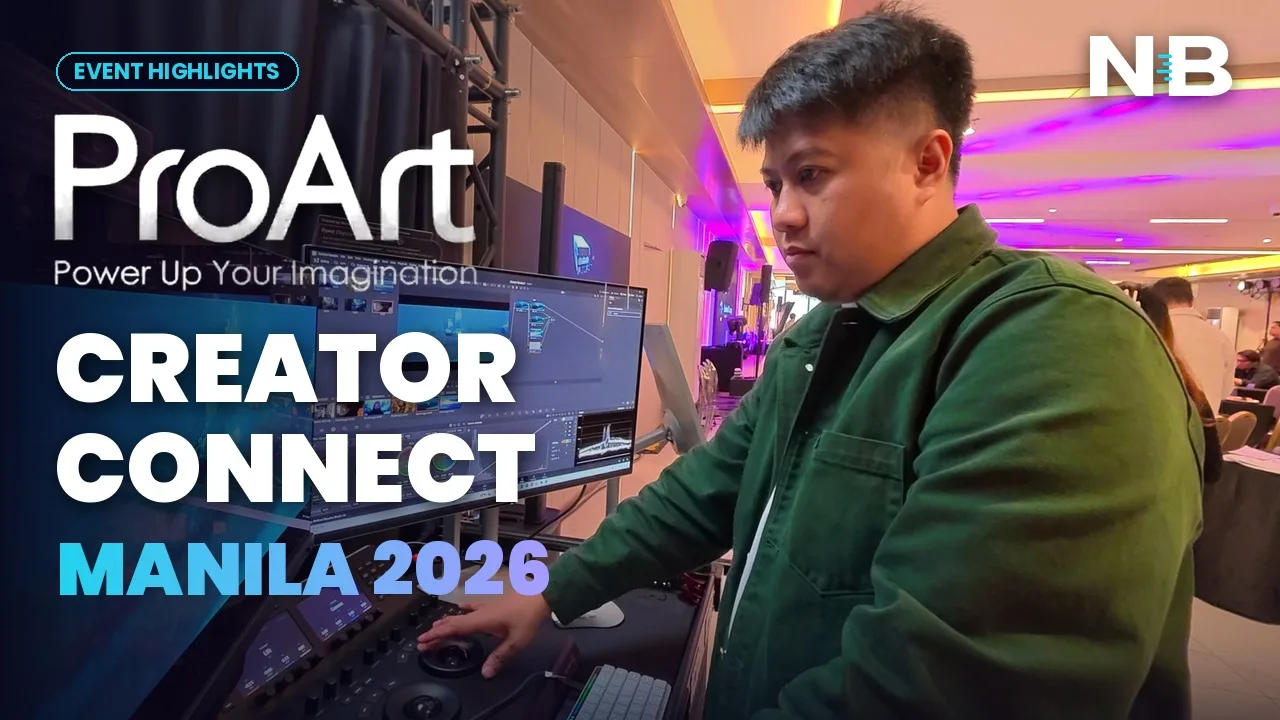
- Not a launch — four working rooms
- Color Grading: where I lost an hour
- Photography: the shot lands before the model moves
- The talks: Jay Tablante and Dan Villegas
- Post-Production: vertical and horizontal, same timeline
- The AI corner nobody was queueing for (yet)
- Podcast: video first, now
- What I would actually tell you
- Where my post-production started
I have spent most of my career in edit bays. A desk, a tower, a calibrated reference, and a lot of coffee. So I walked into ASUS ProArt Creator Connect Manila 2026 with one question: what does post-production look like now, and how much of it still happens in a room like mine?
The short answer is less than it used to. Post has stopped waiting politely at the end of the pipeline. It is on set, it is in the bag, and more and more of it has a model running quietly beside it.
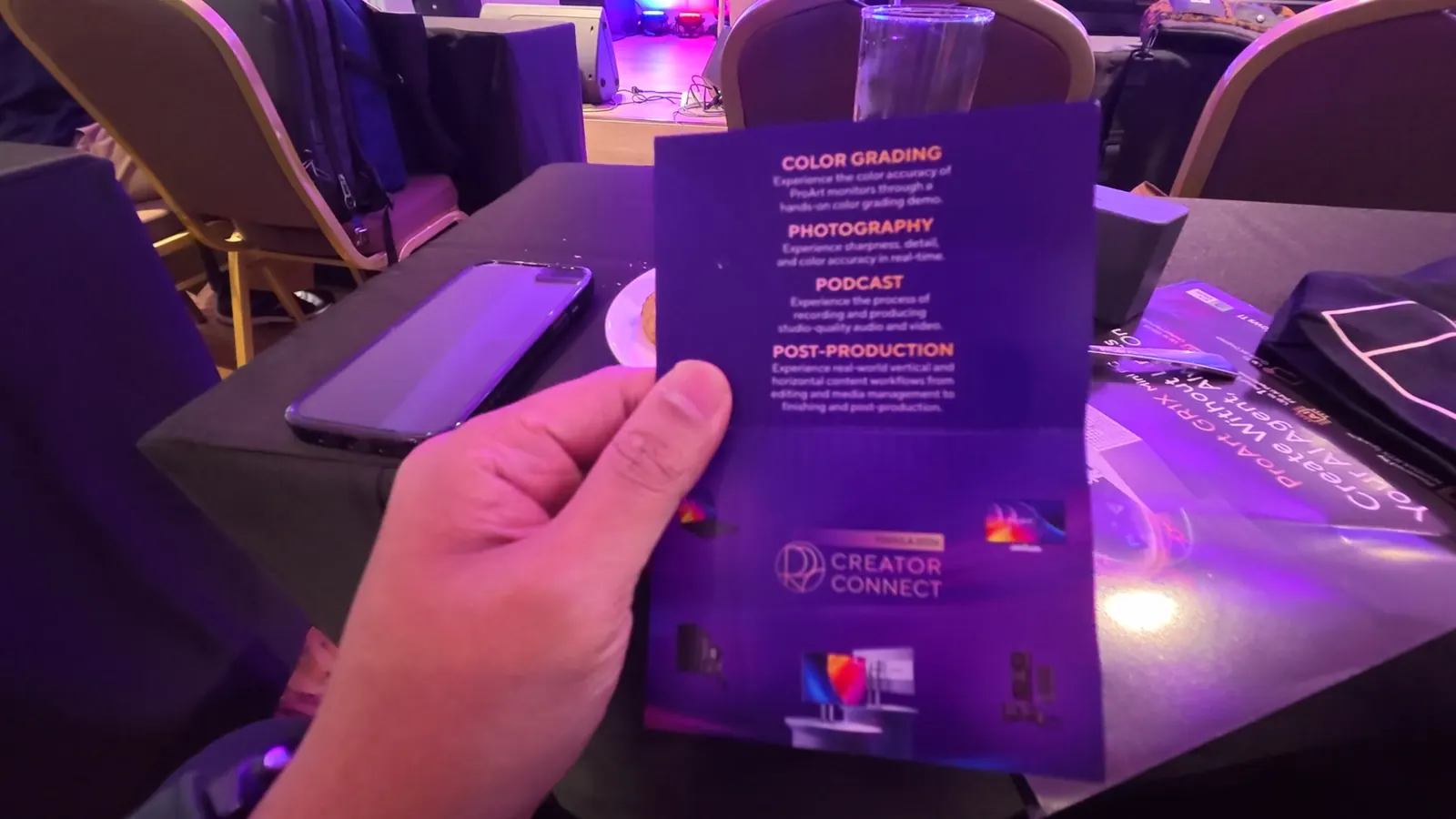
Not a launch — four working rooms
Most launches are a stage, a slide deck and a buffet. This was different from the registration desk. Every guest got a card that said, in effect, go and touch things, and the floor was split into four stations, each built around a real job:
The zones were supported by Canon, Godox and IM Rentals, which matters more than it sounds. The cameras were real cameras, the lights were real lights, and the rigs were the same rental-house kit a lot of Manila crews book on a Tuesday. Nothing was a prop.
The host framed it simply in her opening: ASUS had brought in some of the best Filipino creatives to share how they actually use this technology — and then wanted everyone to go and put it to the test immediately. For once, the brief and the floor plan matched.
Color Grading: where I lost an hour
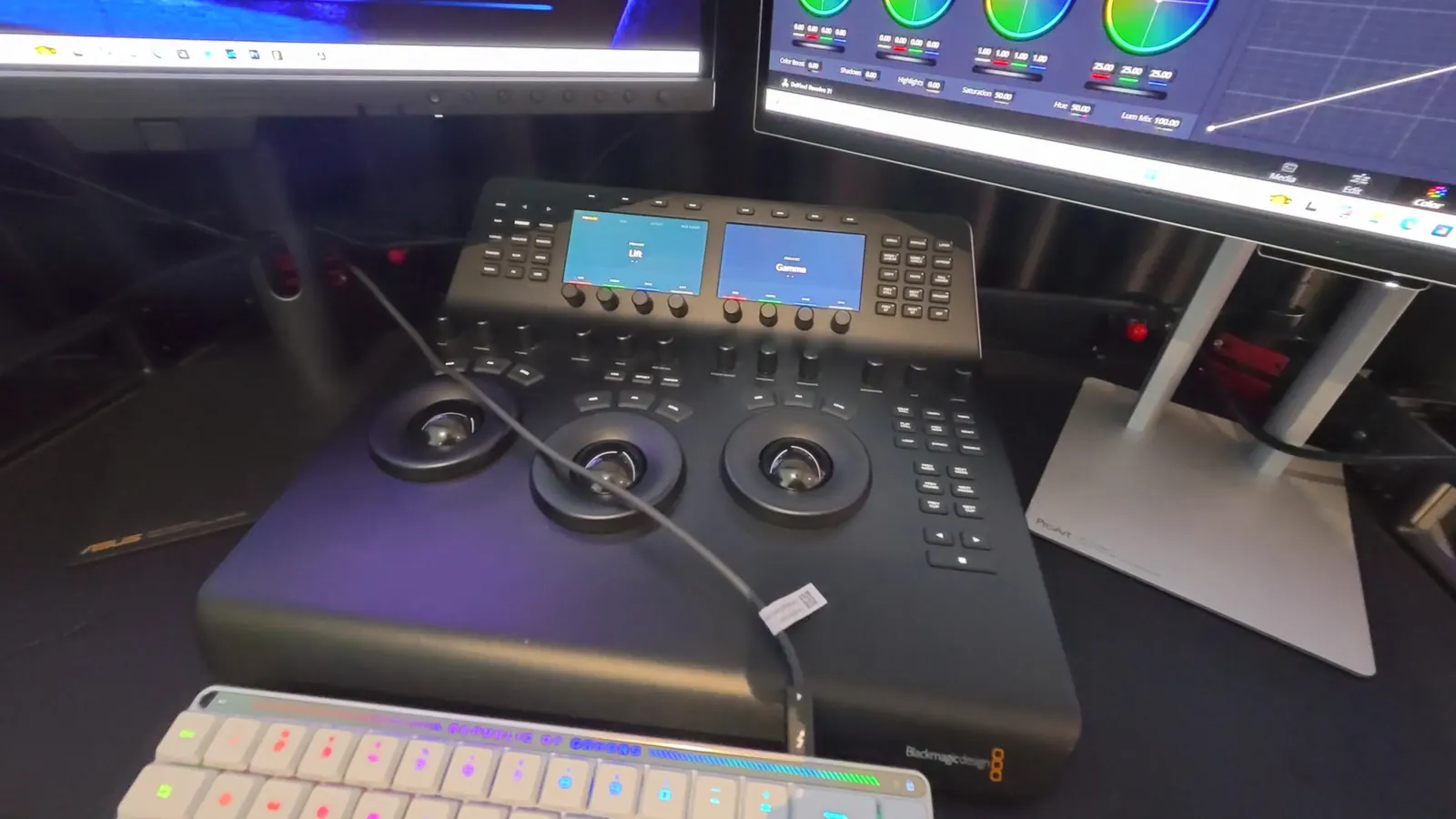
Obviously I went here first. The station paired a DaVinci Resolve control surface with ProArt displays, including the ProArt Display OLED PA27USD — a 26.5″ 4K QD-OLED running at 240Hz, 1,000 nits peak with VESA DisplayHDR, true 10-bit, 99% DCI-P3 and a quoted Delta E under 1.
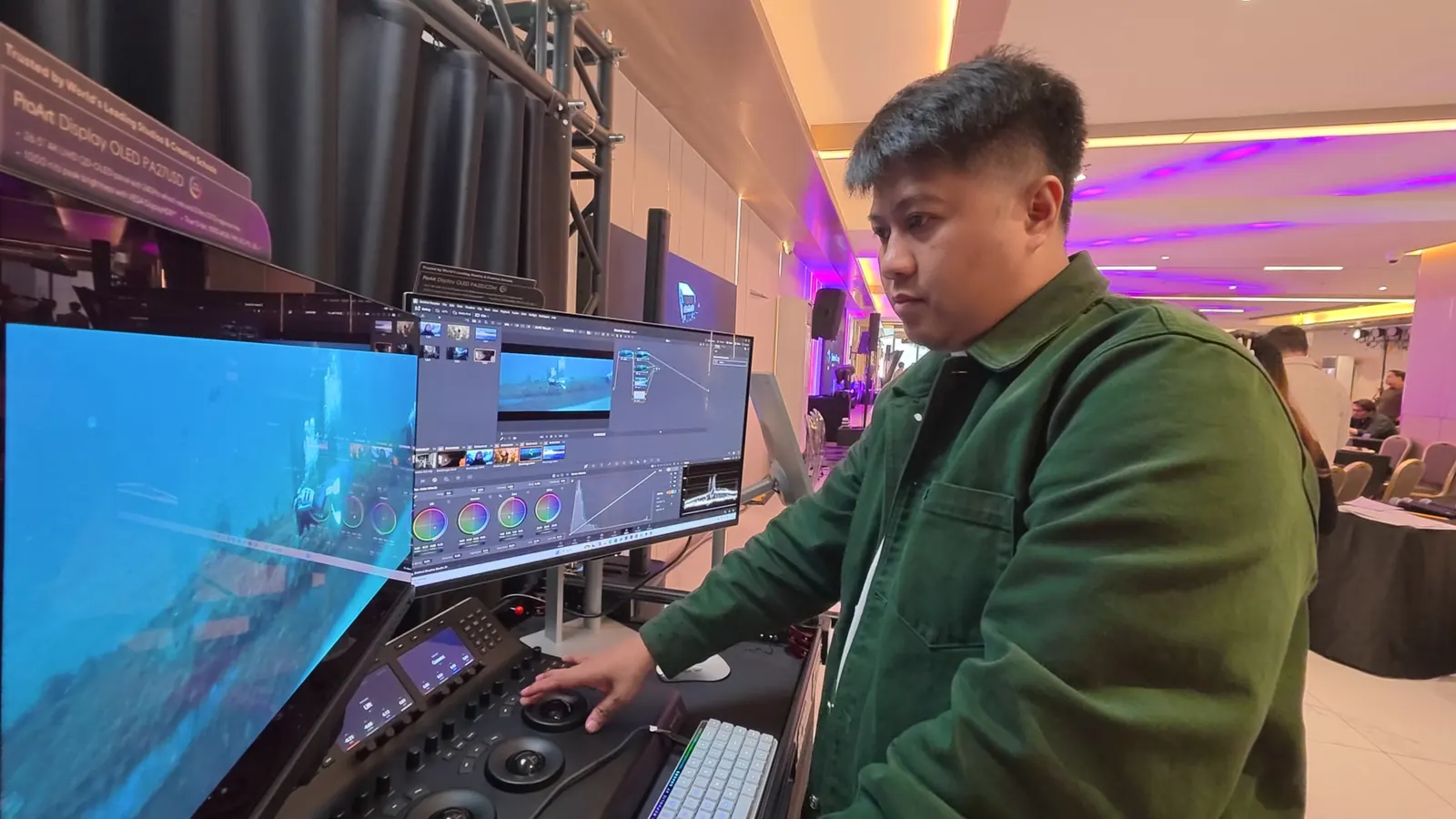
Here is the thing about grading monitors that a spec table never captures. The value is not the number. It is the number of times you stop and check on another screen, on your phone, on a client’s laptop. A panel you trust removes those checks. Every one you remove is time back on a job you quoted at a fixed price.
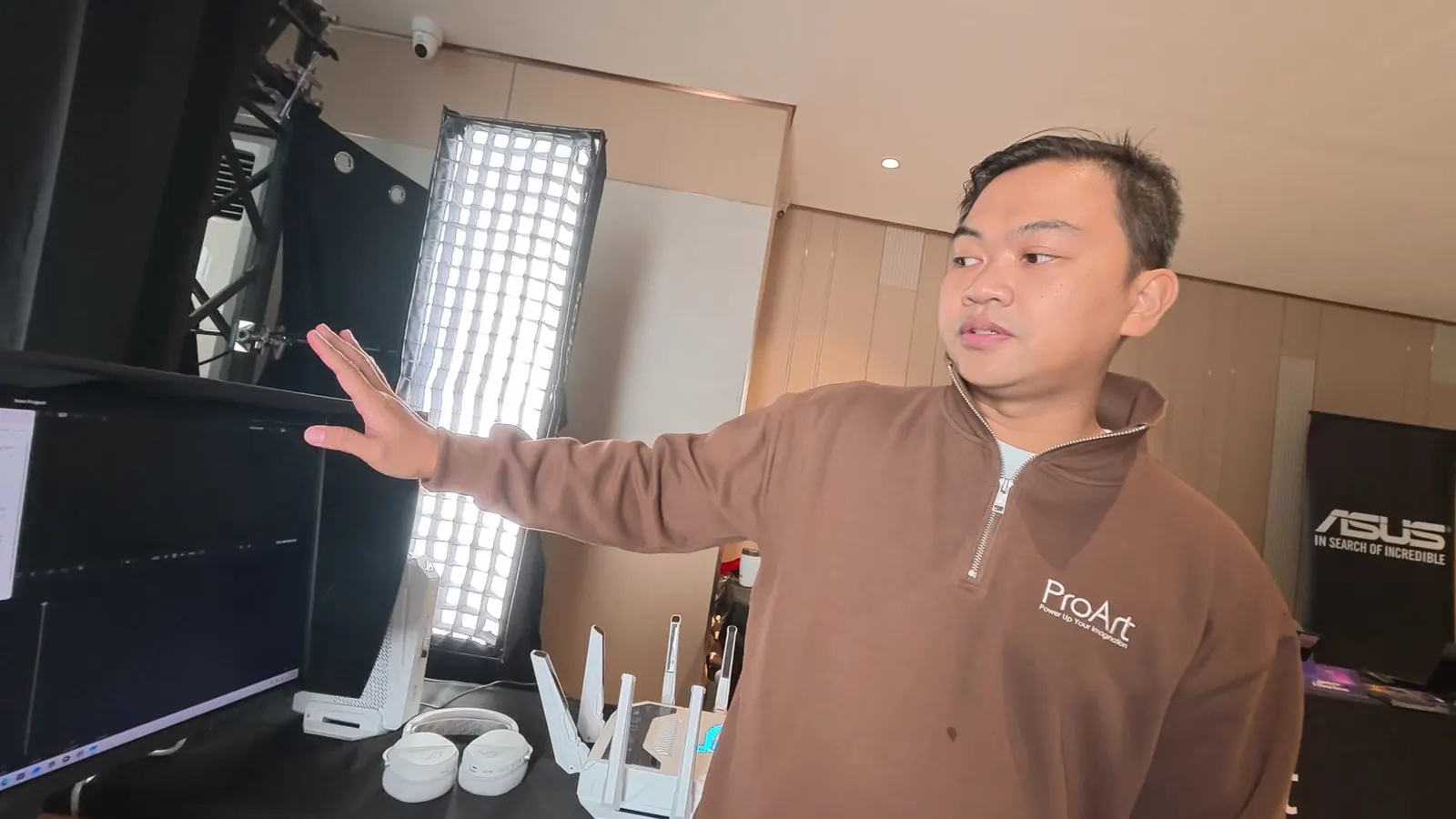
Across the room, an ASUS rep was walking people through the ProArt PA27UCGE, and this was the detail that made me stop: it has a built-in colorimeter, so you can recalibrate on the fly without pulling a probe out of a drawer. It also runs HDMI, DisplayPort and Thunderbolt, and the Thunderbolt port can power a laptop. For anyone who grades on location, that is one fewer thing in the bag and one fewer cable on the desk.
Photography: the shot lands before the model moves
This was the crowd favourite, and I understand why. A cosplay model posed on a white cyc under Godox strobes while photographers shot tethered straight into ProArt monitors. You could watch each frame land on the display a second or two after the shutter fired — sharpness, skin, costume detail and colour, judged in real time.
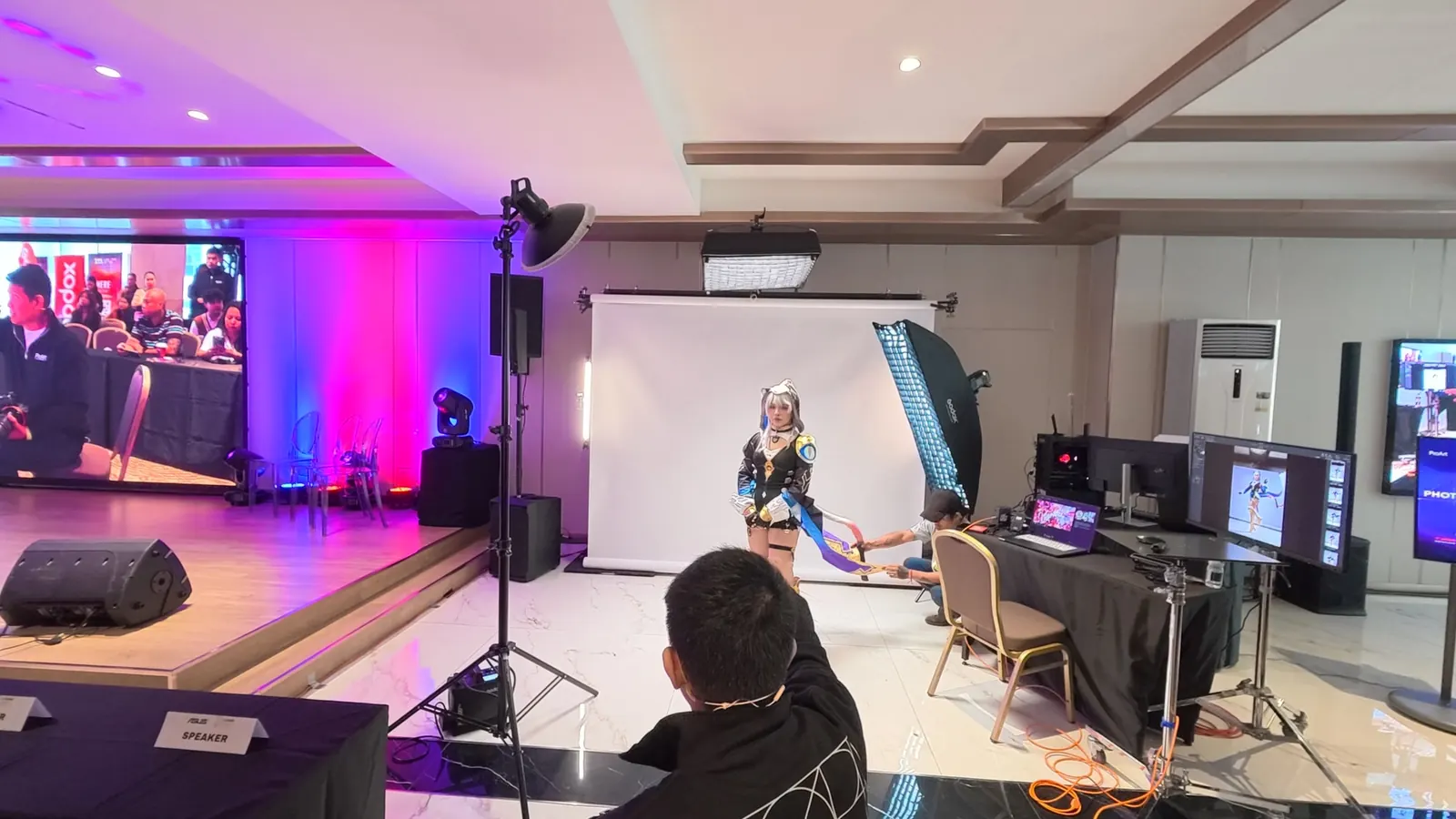
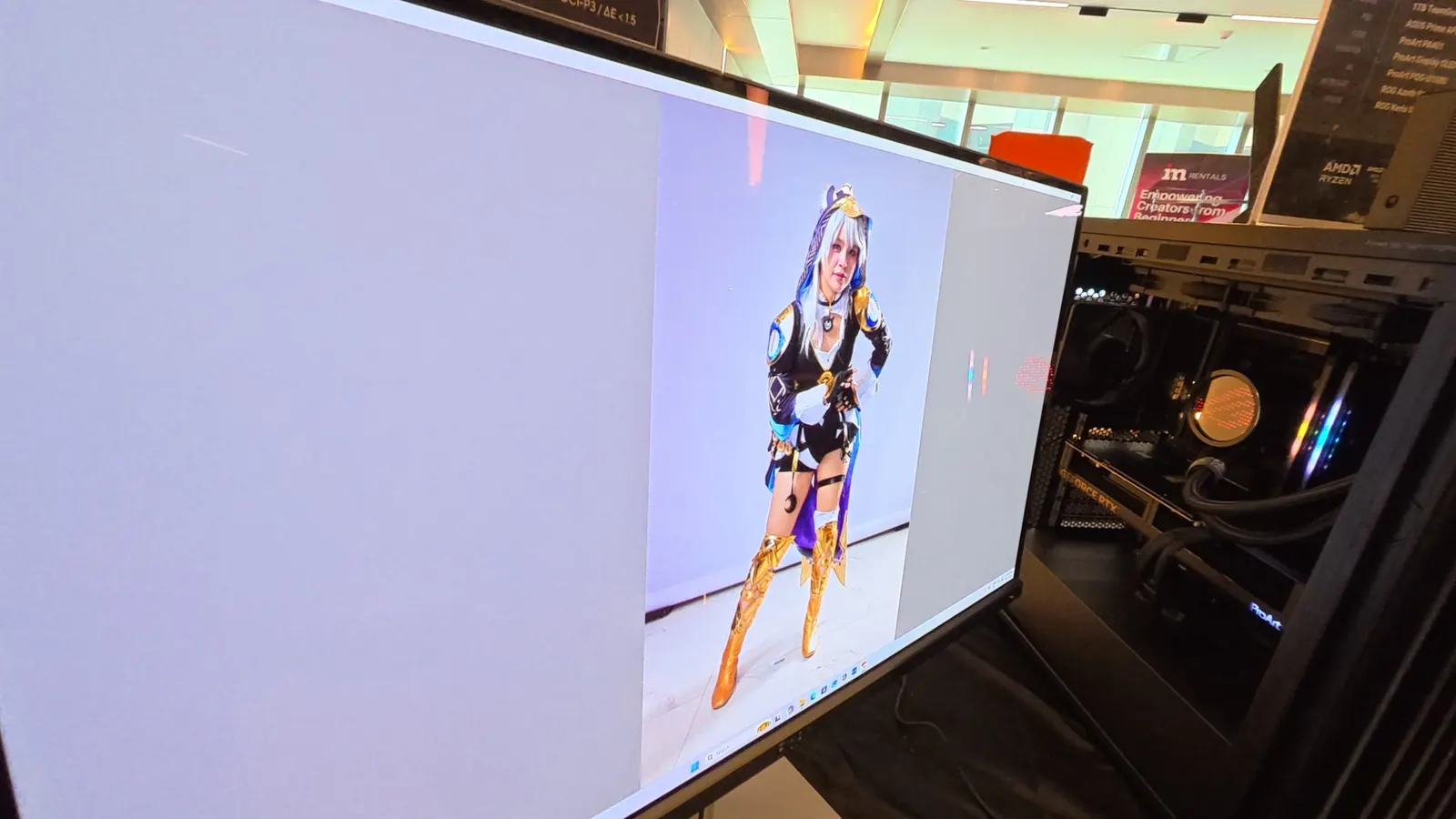
The quiet point, for editors: colour decisions are moving to the moment of capture. If the photographer and the client agree on the look on set, the grade you inherit is a refinement, not a rescue. That changes what you quote for, and it changes what you should be asking for at the start of a job.
The talks: Jay Tablante and Dan Villegas
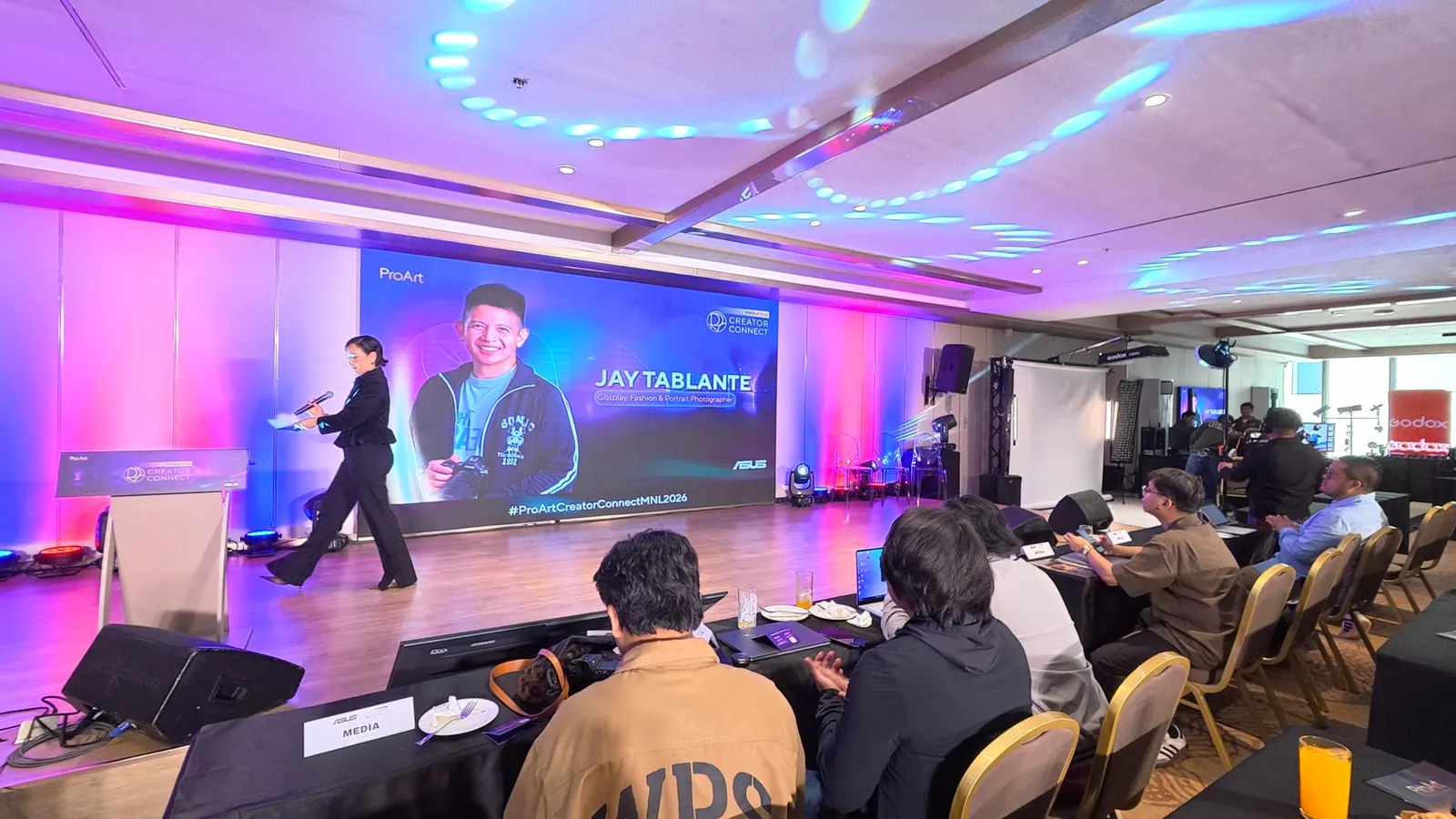
Jay Tablante opened the programme and kept it deliberately casual — no product pitch, just a working photographer’s honest story. About a decade ago, shooting to a monitor felt like a luxury. Today he uses one on almost every commercial shoot, down to a compact field monitor he built a custom case for. His reasoning was the most practical thing said all day: clients always want to see a bigger screen, and good colour on set is what lets him keep working instead of stopping to reassure people. He finished with a live walk-through of his workflow.
Jay described the monitor as part of the camera, not part of the edit. That is the shift. When the look is locked on set by someone who knows what they are doing, post gets a better starting point — and the editor’s job moves from rescuing footage to shaping it.
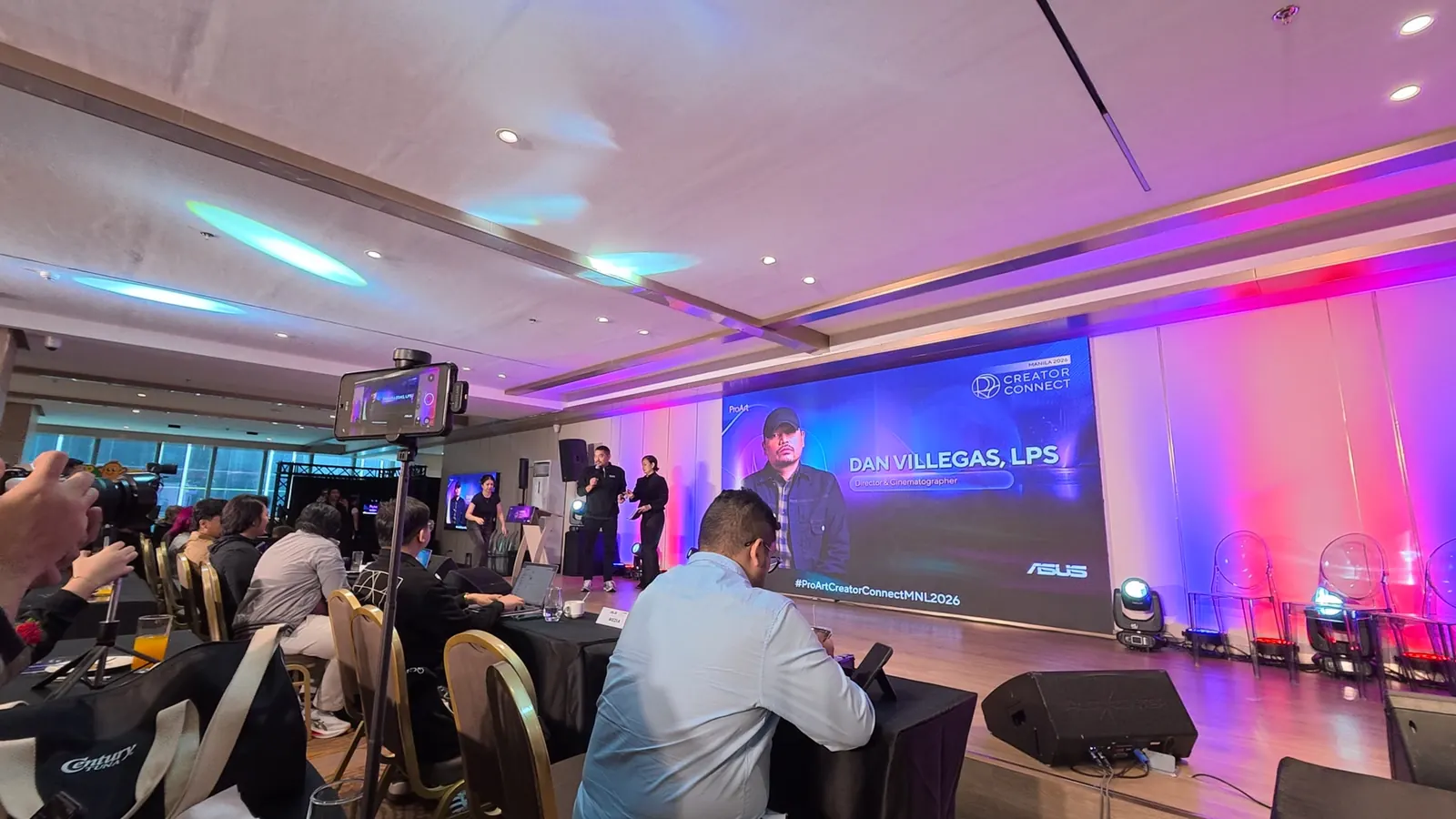
Dan Villegas brought the filmmaker’s view, and the part I will remember was about vertical. His eye was trained on widescreen — 1.85, 2.35 — and he was honest that directing for a tall frame changes blocking: how you stage people, where the close-up lives, what a two-shot even is. He treated it as a storytelling problem rather than a format to resent, and that is the right instinct. He also came back more than once to clarity and brevity as the thing that survives any format change.
For those of us cutting the same project as a 16:9 master and a stack of 9:16 deliverables, that framing is useful. Vertical is not a crop. It is a different edit.
Post-Production: vertical and horizontal, same timeline
The Post-Prod Zone was built around exactly Dan’s point: real-world vertical and horizontal content workflows, from editing and media management through to finishing. The kit:
| Station | What was on the desk |
|---|---|
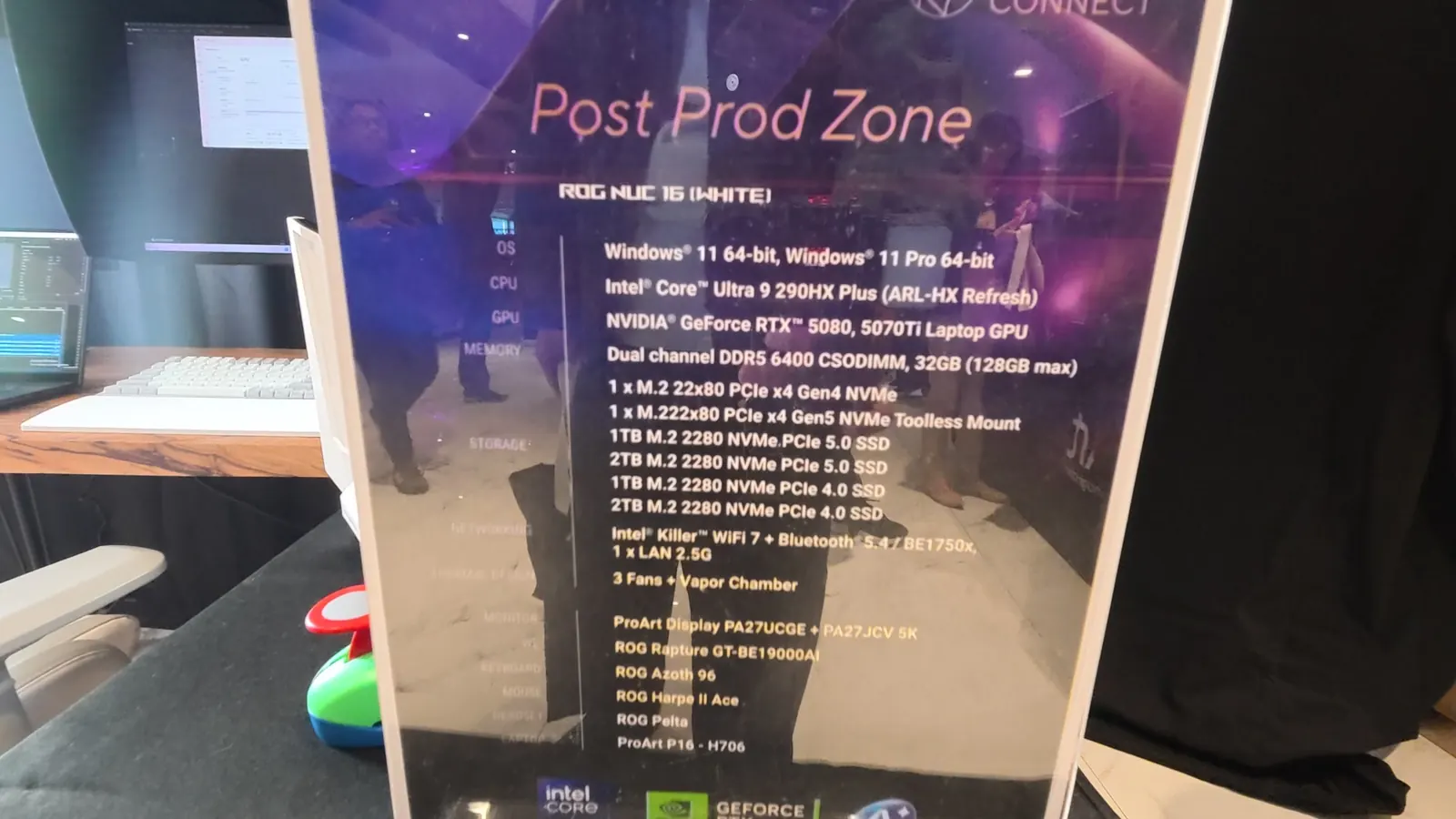
| Desktop | ROG NUC 16 (White) · Intel Core Ultra 9 290HX Plus · GeForce RTX 5080 / 5070 Ti Laptop GPU · 32GB DDR5 (128GB max) · vapor chamber cooling |
| Displays | ProArt Display PA27UCGE and PA27JCV 5K |
| Laptop | ProArt P16 (H7606) — the flagship creator laptop |
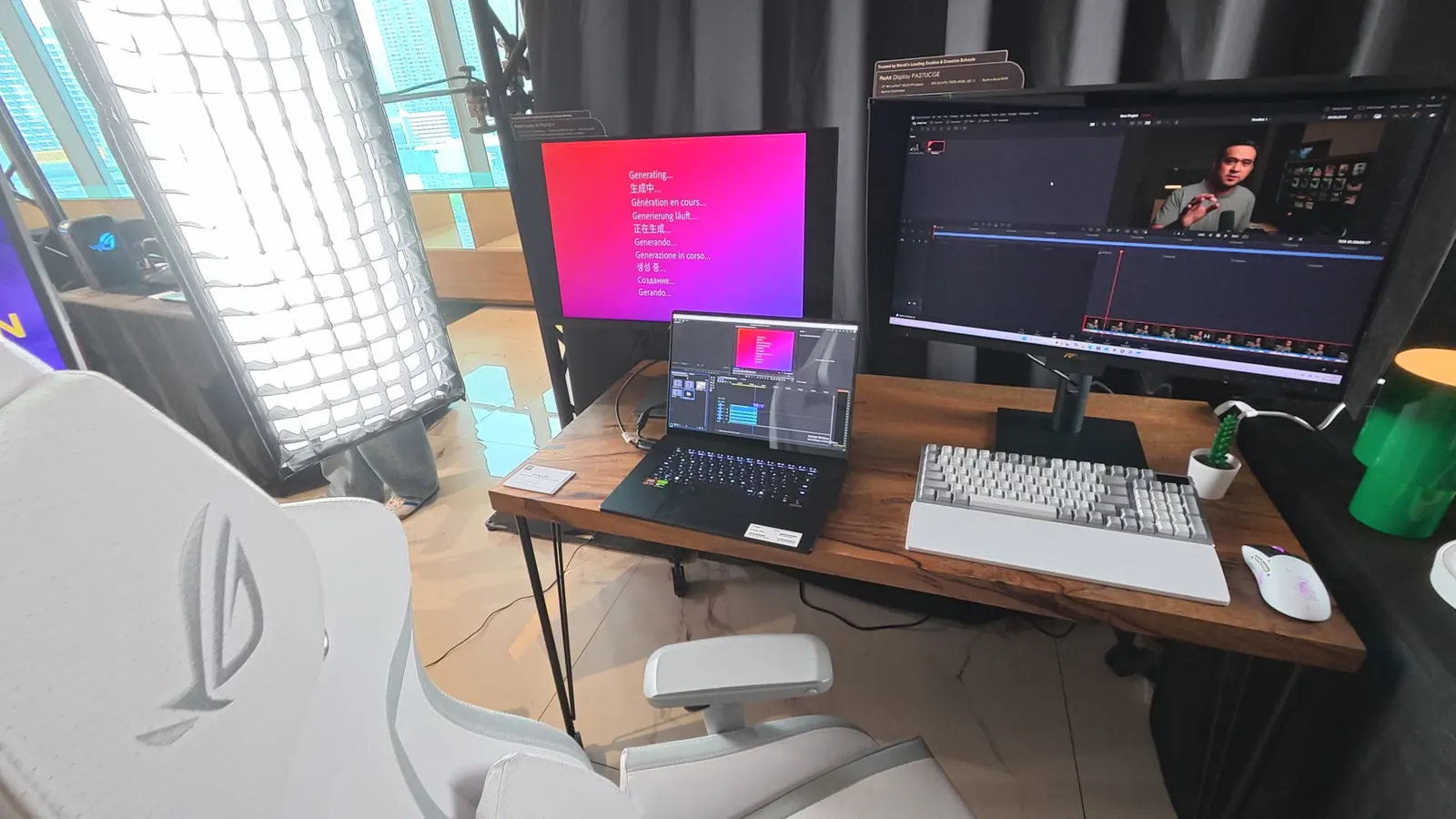
I cut on the P16 for a while, and what I care about is not benchmarks but whether I stop noticing the machine. I did. For a freelance editor who works from a client’s office one day and an airport lounge the next, that is the whole argument for a laptop — not that it is powerful, but that the work travels and the client never knows.
The AI corner nobody was queueing for (yet)
If you only walked the four zones, you missed the part of the floor I think will matter most in two years. Off to the side, ASUS lined up machines built for running AI locally, not just rendering faster:
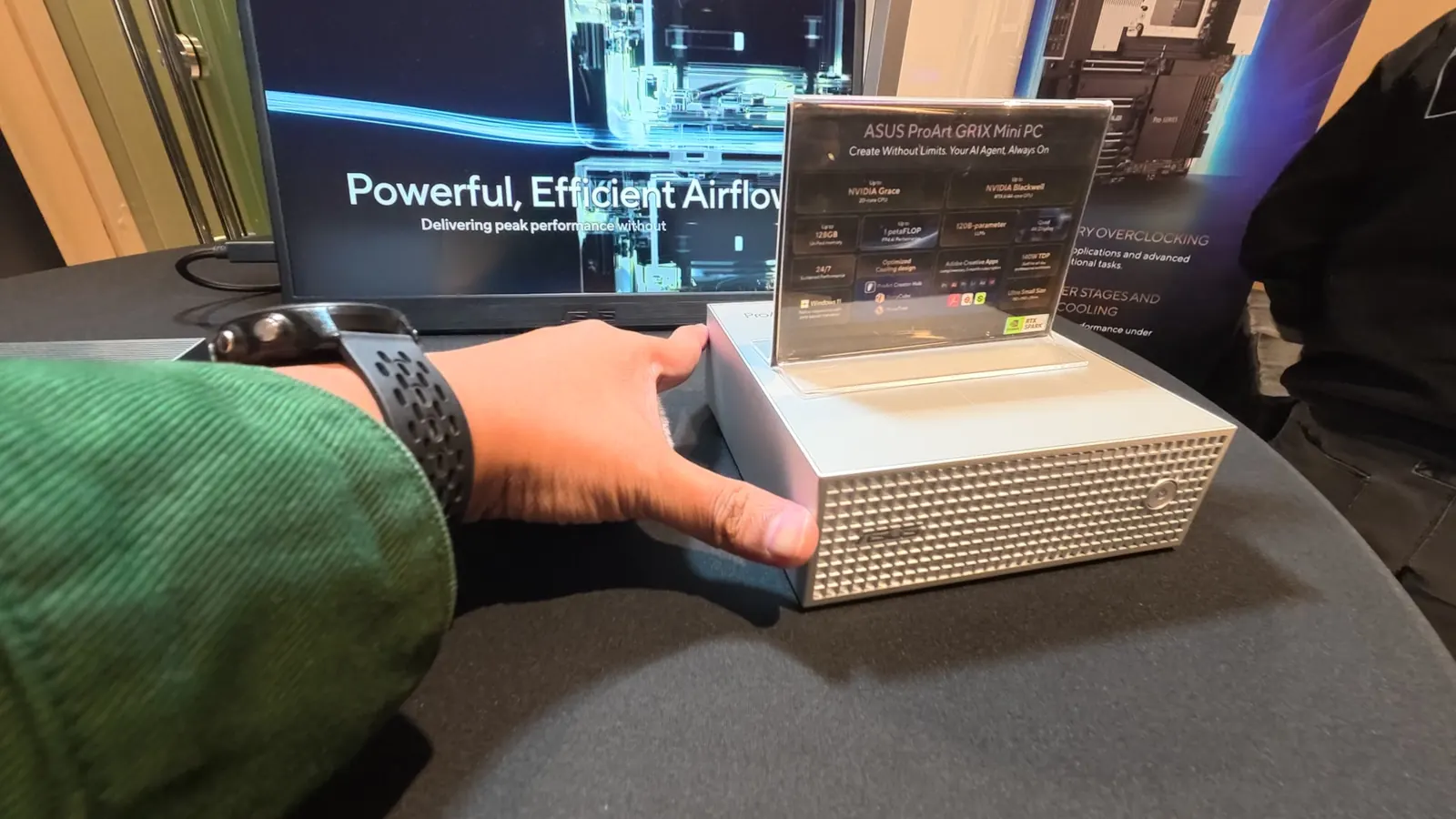
ASUS ProArt GR1X Mini PC
Tagline on the placard: “Create Without Limits. Your AI Agent, Always On.” An NVIDIA Grace CPU and Blackwell GPU, up to 128GB of unified memory, up to 1 petaFLOP of AI performance, and ASUS’s own creator apps — ProArt Creator Hub, StoryCube and MuseTree — on board. The card claims it can run 120-billion-parameter models.
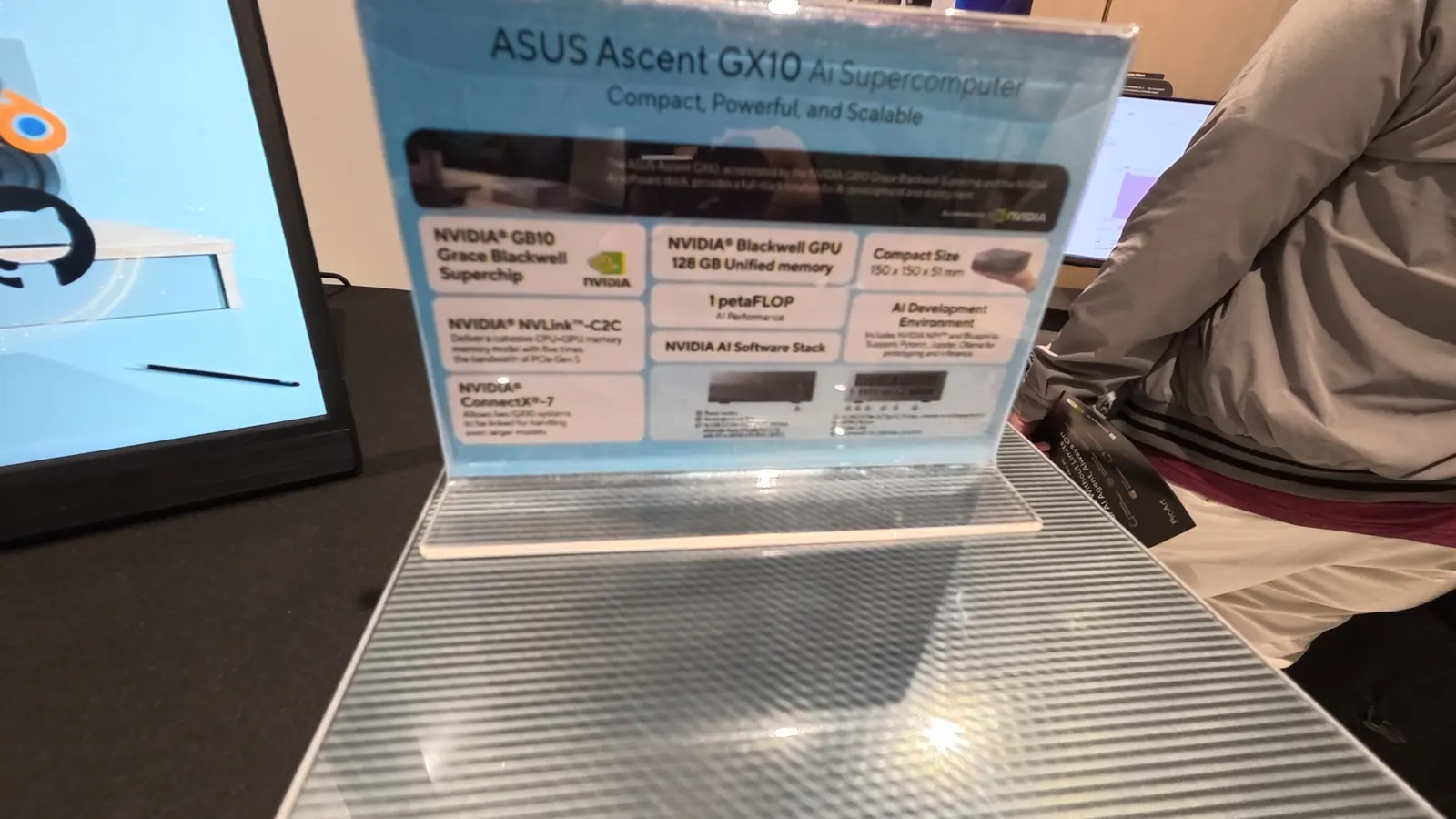
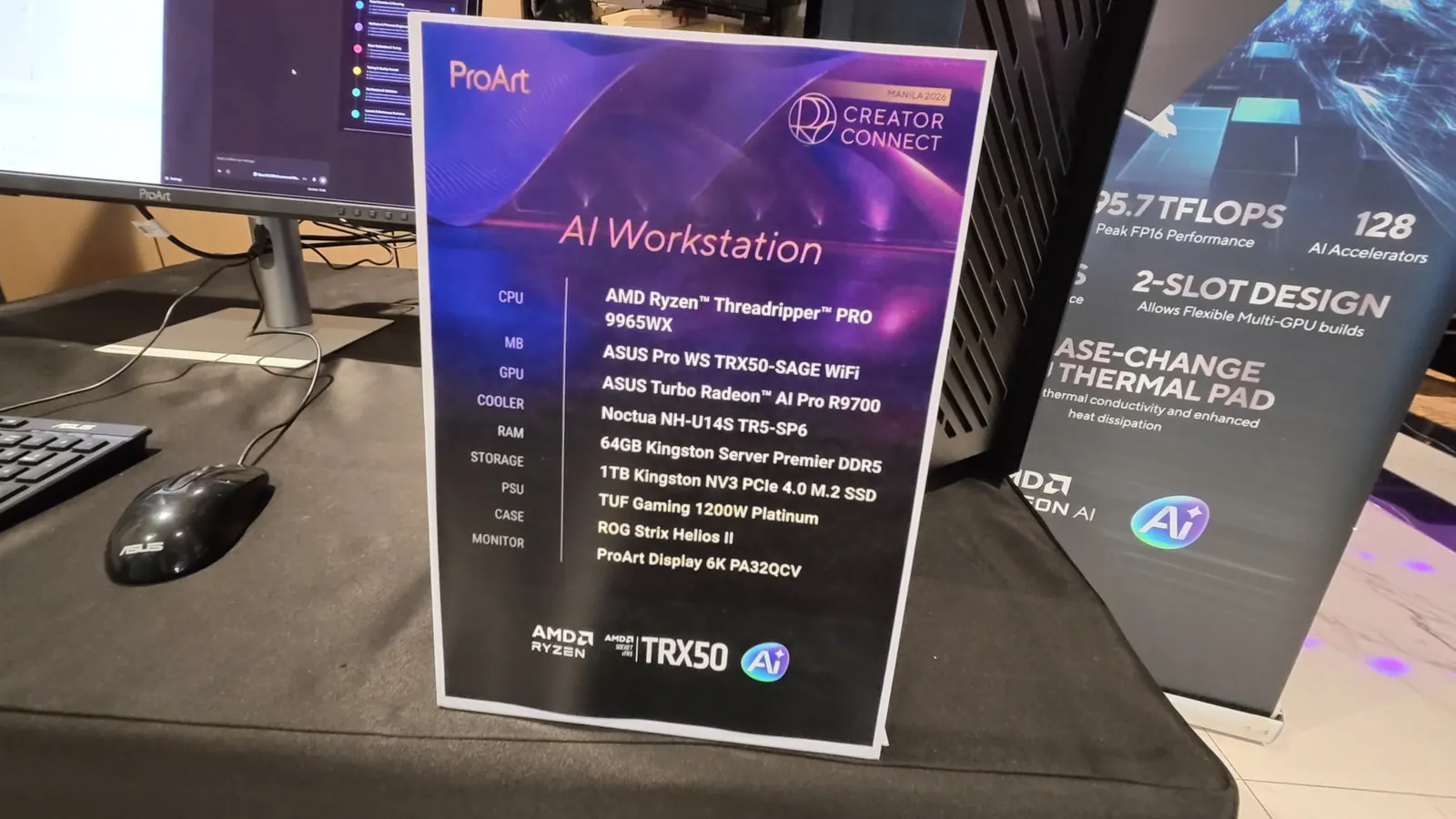
Why an editor should care: the AI conversation is moving from “which cloud tool do I rent?” to “which model runs on my own machine, next to my footage?” I made the same argument about NLEs in my 2026 NLE comparison — where the meter sits is the difference that outlasts every feature. For anyone handling client material under NDA, local is not a preference. It is the only answer you can put in a contract.
None of this was priced or dated for the Philippines on the floor, and I did not get to run my own workloads on the GR1X or the GX10. Treat these as a signal of direction, not a buying recommendation. I will test them properly when I can put real footage through them.
Podcast: video first, now
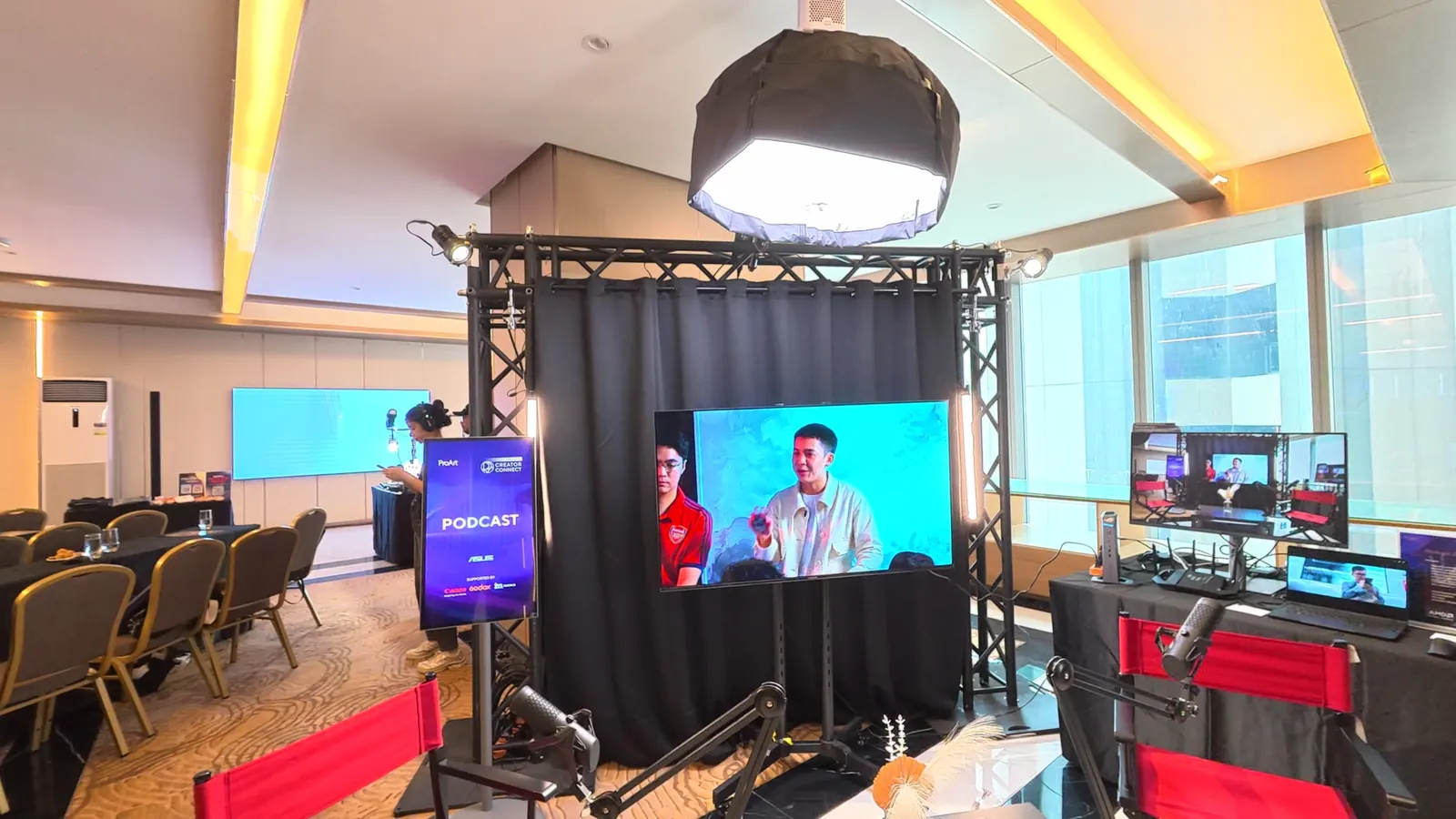
The Podcast set was a reminder of something I see every week in client work: for a lot of Filipino creators, a podcast is now a video production that happens to have audio. Multicam, lighting, a monitor you can trust for skin tones — and an edit that has to become ten vertical clips by Friday. That is most of my freelance calendar, and it is the format most likely to reward the gear on this floor.
What I would actually tell you
The monitor was the real story. Grading suite, tether station, field kit — every zone came back to a screen you can trust. If you are going to spend on one thing this year, spend on the thing that removes the most guesses.
Colour is moving to the set. Jay’s workflow and the tether demo point the same way. Editors who ask for the on-set look at the start of a job will spend less time rescuing and more time shaping.
Vertical is a different edit, not a crop. Dan said it as a director; the Post-Prod Zone was built around it. Quote for it, plan for it, and stop treating the 9:16 pass as an afterthought.
Local AI just became a product category. The GR1X and GX10 are the first time “run the model next to the footage” looked like something you could put on a desk. It is early. But it is the part of the day I keep thinking about.
Where my post-production started
One more thing, and it is personal. Walking the Post-Prod Zone, I ran into my ninong, Oscar “Oca” Barbin of Challenge — one of my mentors in post-production, and a big part of the reason I am in this industry at all.
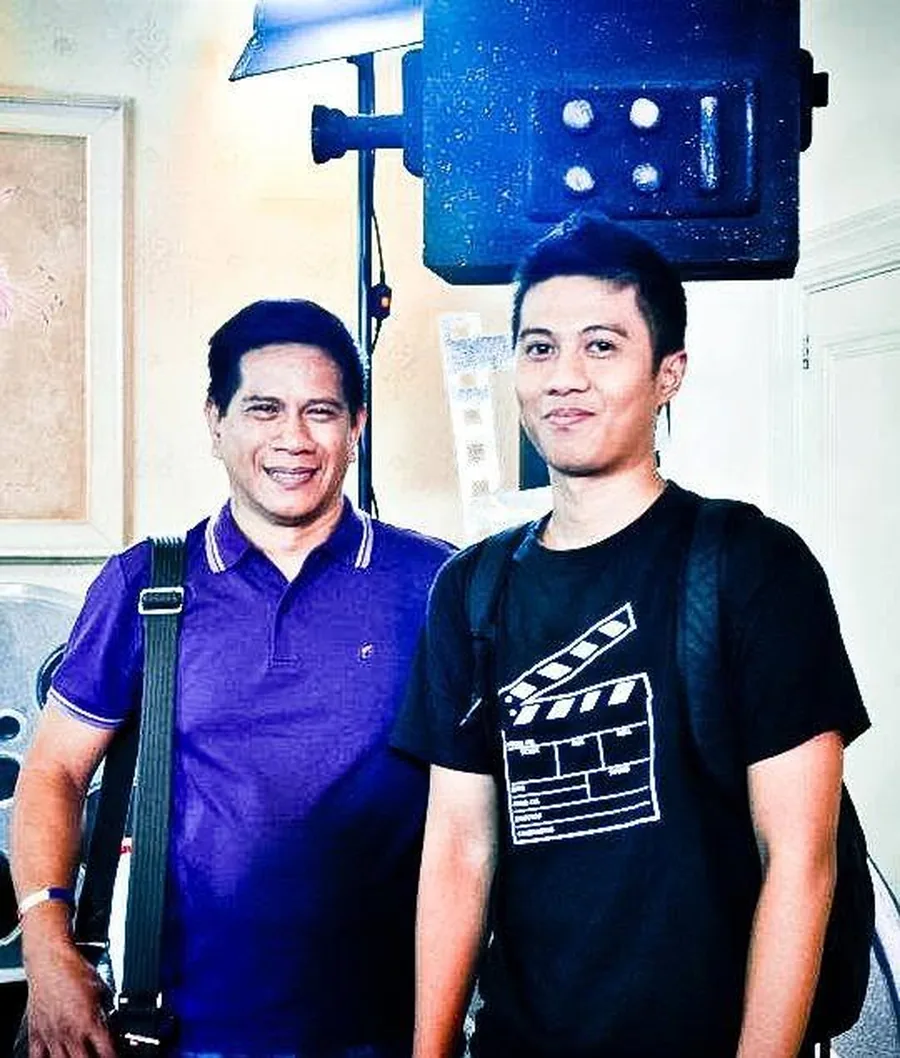
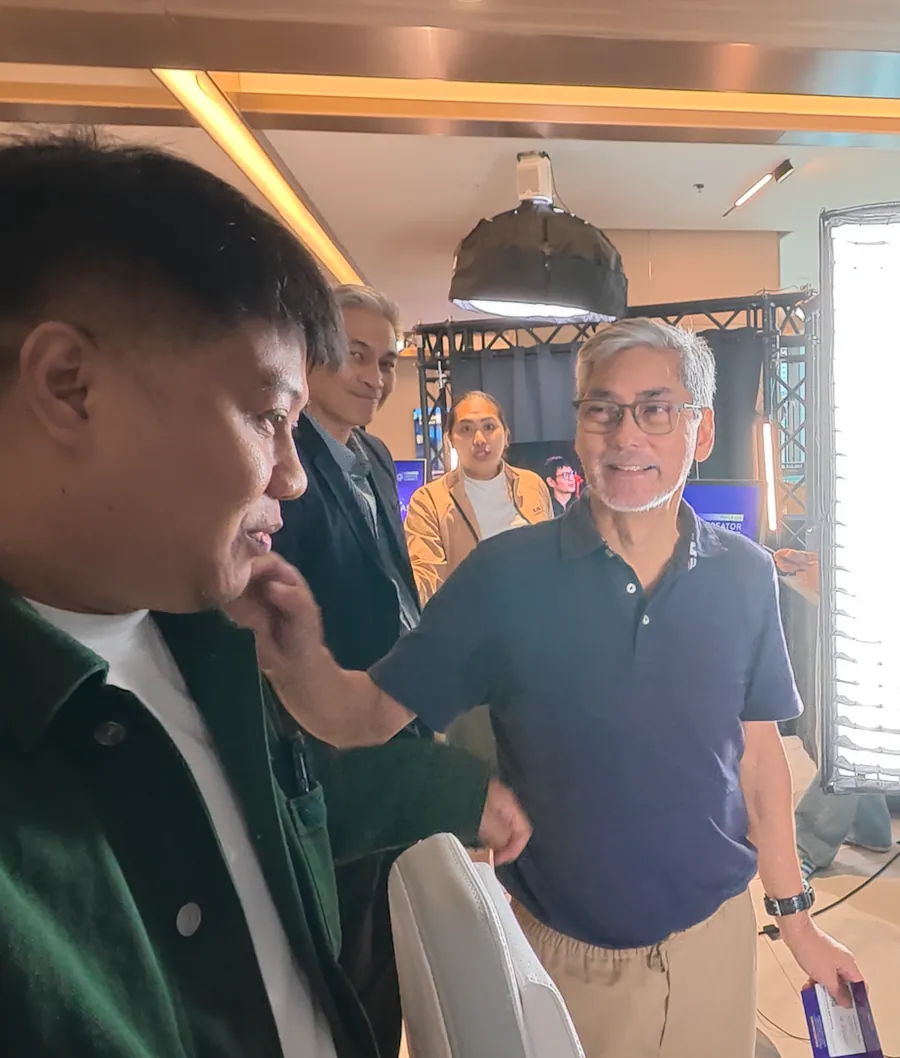
Before I ever worked in post, my dad, Ronnie, enrolled me in Ninong Oca’s school, DB Editing School. I was one of his students. That is where editing stopped being a curiosity and started becoming a craft — and today post-production is my bread and butter.
So standing next to him at an event about where editing is going, I kept thinking about where it started for me. Thank you, Ninong Oca, for the foundation. And thank you, Dad, for the introduction.
FAQ
What is ASUS ProArt Creator Connect?
It is ASUS’s hands-on event series for creative professionals. Instead of a keynote, it puts ProArt monitors, laptops and PCs into working setups so creators can test them on real tasks. The Manila 2026 edition ran four zones: Color Grading, Photography, Podcast and Post-Production.
Who spoke at ProArt Creator Connect Manila 2026?
Photographer Jay Tablante, known for cosplay, fashion and portrait work, and director and cinematographer Dan Villegas, LPS.
Which ProArt products were shown?
ProArt Display OLED PA27USD, PA27UCGE, PA27JCV 5K and the 6K PA32QCV; the ProArt P16 (H7606) laptop; the ProArt GR1X Mini PC; the ASUS Ascent GX10 AI Supercomputer; and an AI workstation built on the ASUS Turbo Radeon AI Pro R9700.
Is the ProArt P16 good for video editing?
In my hands-on time at the Post-Production zone, yes — it is the most convincing edit-bay-in-a-bag I have tried. I have not run a full client project on it yet, so treat that as a first impression rather than a review.
Should editors care about local AI PCs like the GR1X?
If you handle client footage under NDA, yes. Running models on your own machine keeps the footage in your building and removes per-use costs. It is early, and pricing was not announced on the floor, but it is the direction to watch.
Keep reading
Skip the gear debate. Hand me the footage.
Event highlights, podcasts, short-form, VSLs, real estate and music video — cut, graded and delivered by a senior editor who still sits at the grading panel for fun.
Start a project →Manila-based, working with clients across the US, Australia and Europe.
Sources
- ASUS ProArt — ASUS Philippines
- ASUS announces availability of 2026 ProArt laptops in PHL — BusinessMirror
- ASUS ProArt P16 now in the Philippines — Technobaboy
- ASUS unleashes agentic creativity with ProArt RTX Spark PCs at IFA 2026 — The Manila Times
- ASUS ProArt Creator Connect Workshop, NAB 2026 — RedShark News